How to Use the Pearson Fuels App (Step by Step)
December 3rd, 2025
The Pearson Fuels App is the fastest way to find E85, save money, and stay updated on new station openings across California. Here’s a simple walkthrough to help you get started in under a minute.
Step 1: Download the App
The app is free on both iOS and Android.
Open your app store and search “Pearson Fuels.”
Step 2: Enable Location Services
When prompted, allow location access.
This ensures you see the closest E85 stations, accurate real-time prices, and the most relevant results for your area.
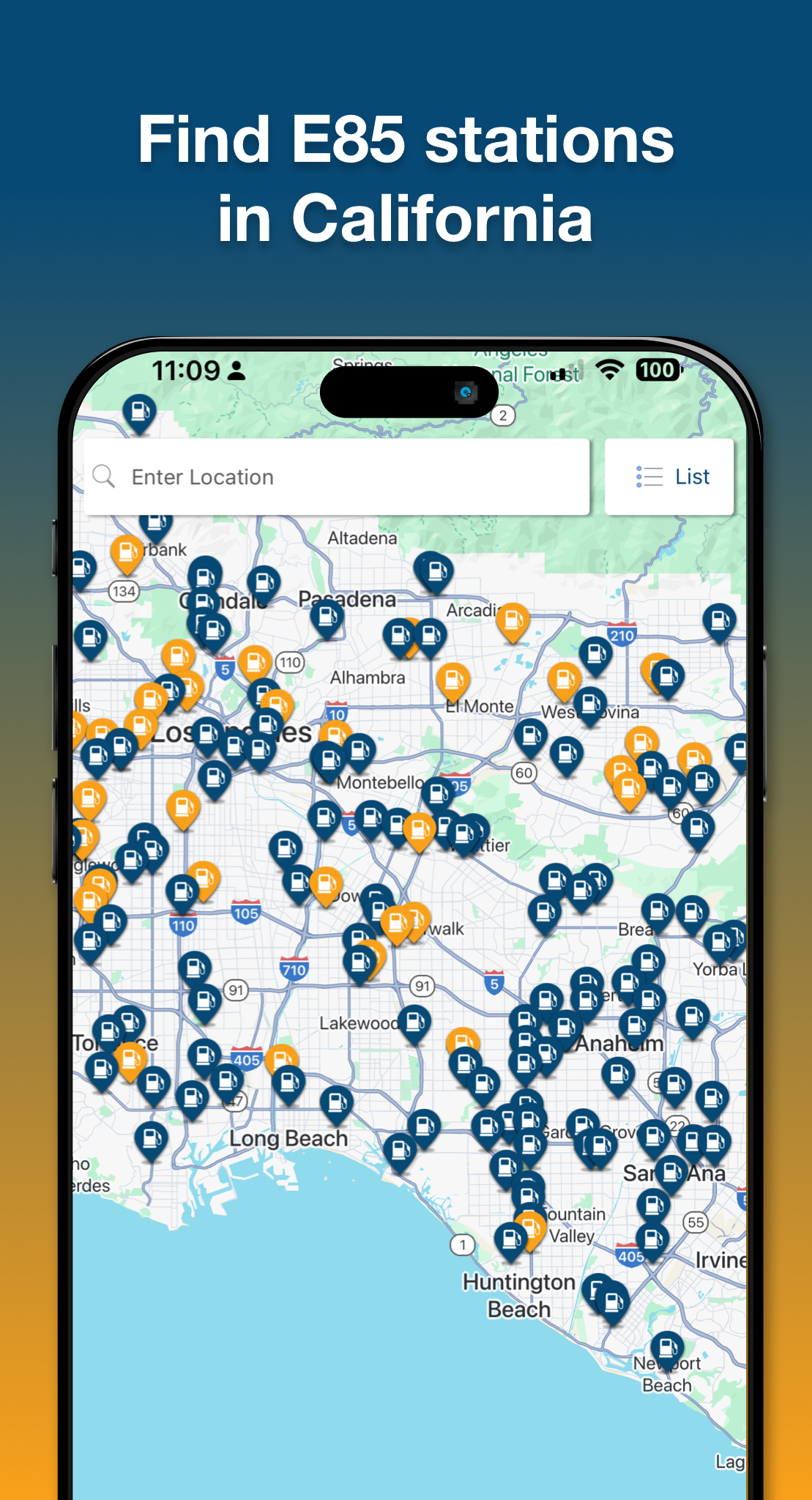
Step 3: View Nearby Stations
Once you open the app, you’ll land on the stations page. Here you can quickly see:
- The closest E85 stations
- Today’s E85 price at each location
- Station hours, amenities, and directions
Toggle between Map View or List View—whichever you prefer.
Step 4: Tap Any Station for More Details
Every station page includes:
- Full address
- Live E85 price
- Fueling instructions (if needed)
- A one-tap button to navigate via Apple Maps or Google Maps
Step 5: Save Your Favorite Stations
Tap the ⭐ icon to save your go-to locations.
Your favorites will always display at the top for easy access.
Step 6: Turn On Notifications
Stay in the loop on:
- New station openings near you
- Price drops
- Giveaways, promotions, or E85 Day updates
Don’t worry, we make sure our notifications don’t enter spam territory.
Step 7: Use the App to Plan Your Route
Road trip, commute, or weekend drive?
Scroll along the map or search by city or ZIP code to see E85 options along your route.
You’re Ready to Save
The Pearson Fuels App is simple, free, and designed specifically for California drivers running E85. Download it, bookmark your stations, and start saving every time you fill up.